
Introduction
Do you print brochures, business cards, product packaging, posters, banners, or any other marketing materials? If you answered yes, you have already used CMYK Printing method to produce your printed pieces.
CMYK is the international standard for all professional printing. Millions of printed pieces are produced every day using CMYK color printing.
While electronic displays use the RGB (Red, Green, Blue) color model, CMYK colorants (Cyan, Magenta, Yellow, Black) allow printers to reproduce photographs, logos, graphics, and other marketing content with exceptional precision.
Modern printing technology allows the production of CMYK printed material with an extensive gamut of colors. This technology is used in almost all industries to print catalogues, brochures, business cards, labels, banners, exhibition graphics, fabric printing, and much more. CMYK printing is an essential part of all commercial print processes.
Understanding how CMYK printing works also helps you avoid the most common printing problem that is unhappy colors. The color difference occurs due to a few factors: color mode, resolution, print settings, and material. That is why most reliable companies offer their customers a CMYK test print option before proceeding with the entire project.
In this ultimate CMYK printing guide, you will learn critical information about CMYK printing. You will learn how the CMYK printing process works, what technology is used in CMYK printing, how CMYK colors differ from RGB colors, what CMYK printing is used for, what types of CMYK printing machines exist, what the CMYK test print is, and how to prepare files for CMYK printing.
What is CMYK Printing?
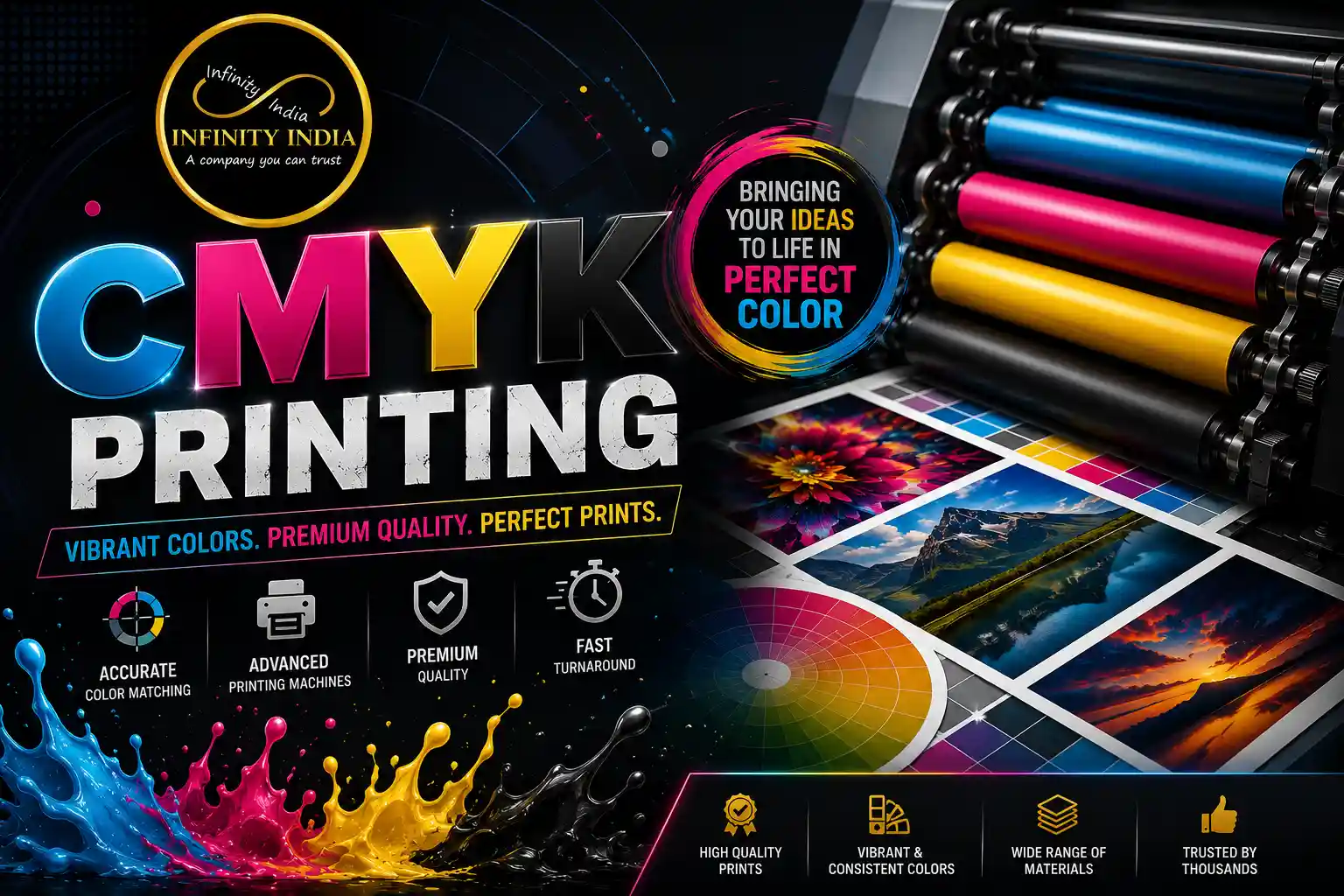
CMYK Printing is a professional color printing process that utilizes four-color inks (Cyan, Magenta, Yellow, Key (Black)) to reproduce full-color images, graphics, and text on various printable materials. It is one of the most widespread color print technologies due to its ability to deliver consistent high-quality results while being suitable for all manner of print projects.
Unlike devices that emit light, such as digital screens or projectors, subtractive color printing works with light-absorbing inks on a substrate. Mixing two or more process colors in various ratios allows creating a color spectrum that consists of thousands of color variations. The “Key” in CMYK stands for black, Black ink is used to add depth and contrast to the printed image and text since overprinting Cyan, Magenta, and Yellow inks would not produce an opaque black.
CMYK printing is used extensively in a wide range of print projects, including:
- Business Cards
- Brochures
- Flyers
- Books, Magazines
- Product Packaging
- Labels, Stickers
- Posters, Banners
- Signage
- Fabric Printing
- Promotional Materials
- Exhibition Graphics, etc.
High-quality color printing has become a critical element for many businesses and organizations, as it helps to deliver better results and increase overall productivity. CMYK printing has become the most preferred method by manufacturers, publishers, graphic designers, and businesses worldwide.
Understanding the Four-Colour Process
The four-colour printing process consists of printing each of the four CMYK inks separately. Each colour design is split into four colour channels and each channel indicates how much of the Cyan, Magenta, Yellow or Black ink should be used to print any particular part of the image.
For instance:
Colours
- Blue – Cyan + Magenta
- Green – Cyan + Yellow
- Red – Magenta + Yellow
- Orange – Magenta + Yellow
- Purple – Cyan + Magenta
- Grey – Black + CMY
By altering the percentage of each ink, it is possible to create thousands of different shades while ensuring that the colour remains consistent throughout a print run.
Using of CMYK Creates Perfect Look of Images
Have you ever taken a closer look at a printed magazine or a brochure? If you examine a printed image under a magnifying glass, you will see that it consists of countless tiny colored dots.
These dots are created using a special printing technique called halftone.
Skilled printers use a professional ink technique to make sure that different sized dots of Cyan, Magenta, Yellow, and Black are printed at different densities. Once assembled, these dots form a specific color, gradient, or image, so that the final print looks smooth and has a high resolution.
Using this particular method makes it possible for CMYK to print such things as:
- Product photos
- Company logos
- Graphics
- Illustrations
- Infographics
- Backgrounds
- Fine arts
Why Do Companies Choose CMYK Color Printing?
CMYK has been a standard for the print industry for many years. The main reason is that this particular color model is perfectly balanced so that it can suit both small and large-scale commercial printing. Moreover, it is compatible with almost all commercial print machines and produces accurate colors.
The most common reasons to choose CMYK Color Printing include:
- Superior colors
- High-quality image making
- Cost-effective commercial printing
- Highly-versatile colors
- Perfectly suitable for short and long print runs
- Great for marketing materials
CMYK Color Printing is ideal for companies that want to meet all standards of the print industry. Whether you print a few marketing flyers or thousands of product catalogs, this technique will provide you with the best quality prints every time.
How CMYK Printing Works
Knowing how CMYK Printing works will assist you in attaining the best print results and avoiding common pitfalls such as colour shifts, image misplacement, and other issues.
Although the process may seem complicated, it boils down to converting an electronic document into its CMYK equivalent for printing.
Below are the steps involved in professional CMYK printing.
Step 1: Designing Your Artwork
The first step in the printing process is to design your artwork using graphic design software such as Photoshop, Illustrator, InDesign, CorelDRAW, and others.
When creating vector graphics, it is advisable to work in CMYK colour mode throughout the design process since this will give you accurate colour preview during design.
Step 2: Separation
The next stage involves separating the design into four distinct colours known as cyan, magenta, yellow, and black inking.
Each of these colours represents a printing plate (or virtual equivalent for digital printing). These plates are combined in various amounts to produce the complete image.
Step 3: Printing the Inks
The printer uses the four inks to reproduce the desired image on the chosen media by overlaying them one over the other.
Various printing technologies can be used at this stage including offset, digital, inkjet, and large format printing. At this point, experts can print images with extraordinary clarity by using minuscule ink dots to depict different colours.
Step 4: Drying and Finishing
At this point, the printed piece is allowed to dry or cured depending on the type of printing technology used. Depending on the media and printing method, the printed piece may also undergo finishing processes such as cutting, folding, laminating, and die-cutting among others.
Step 5: Quality Inspection
The printed piece goes through a final inspection to ensure it is free from defects. This is usually done by professionals who evaluate the following;
- Printing quality
- Registration
- Image sharpness
- Colour accuracy
- Text quality
- Media quality
The binding and finishing quality are also evaluated at this stage.
For jobs that require exacting colour accuracy such as brand materials and high-end packaging, a CMYK Test Print approval is usually required before large scale printing can commence.
A Simple Workflow of CMYK Printing
1 Designing artwork in CMYK mode
2 Isolating the artwork into Cyan, Magenta, Yellow, and Black channels
3 Printing every layer on chosen material
4 Drying and finishing the print
5 Checking the result
Why This Process Matters
Each step of the CMYK printing process plays a key role in the finished result: from preparing a file, separating the colors, and using high-quality printing equipment, to ensuring the final work has passed through rigorous quality control. Regardless of being printed business cards, brochures, packaging, banners, or displays–the knowledge and experience about this process will guarantee that your work can achieve the results that you want with CMYK Color Printing.
What is RGB?
The initials RGB stand for Red, Green, and Blue. This color model is known as an Additive Color Model and is primarily used for digital screens. Such devices include:
- Computer monitors
- Smartphones
- Tablets
- Television screens
- LED screens
RGB combines these three primary colors in various ways to create different color palettes. Unlike CMYK, this color mode does not require the use of black ink to print text or images. Mixing all colors at full saturation produces white light, while mixing two colors creates secondary colors. As such, RGB is ideal for digital formats such as websites and videos because it has the largest gamut of all color modes.
Why Do Colours Look Different?
Many people experience that a design looks bright and vibrant on their screen but turns out a bit dull after printing. The reason for this is that RGB and CMYK reproduce colors differently.
Bright neon colors, highly saturated blues, or fluorescent greens simply cannot be printed with CMYK inks, and during the conversion from RGB to CMYK, these colors are often adjusted to the nearest possible CMYK alternative.
How to Reduce the Difference Between RGB an CMYK?
In order to avoid a major difference between RGB an CMYK, it is recommended to design in CMYK, calibrate your screen, use high quality images and color profiles and order a test print in CMYK for major print jobs. To achieve good results for print, it is essential to work in CMYK at all times.
In what Situations should you use CMYK?
For all projects intended for print, it is essential to use the CMYK color mode. This includes
business cards,
flyers and brochures,
product packaging,
posters, catalogs, banners, labels,
fabric graphics or promotional material. By working in CMYK from the beginning you will achieve the best results for printed materials.
In what situations should you use RGB?
If you want your electronic content to look bright on digital screens you should work with RGB colors. This includes
websites, social media, online advertisements, apps, email signatures, videos, online presentations or any other digital content. Remember that RGB allows to represent colors as they appear on light emitting displays and is generally much brighter than CMYK.
What is the Best Color Profile?
It is impossible to say which color profile is the best, since they both have their own advantages and purposes. It is essential to understand that CMYK and RGB represent colors differently but serve the same purpose – to help you achieve the best possible results for your project.
Therefore it makes sense to use
RGB for digital content where bright colors matter
and
CMYK for printed material. By choosing the right color profile and working in the right color mode from the beginning of your design process, you will save yourself from disappointment and additional revision prints.
Why CMYK Printing is Preferred Across Industries
CMYK printing has become the industry standard because it offers:
- Consistent colour reproduction
- Professional-quality output
- Compatibility with various printing technologies
- Cost-effective production for small and large print runs
- Excellent results on multiple printing materials
- Reliable colour matching for business branding
- Its versatility makes it the preferred choice for businesses, publishers, designers, manufacturers, and marketing professionals looking to produce high-quality printed materials.
Key Features of Modern CMYK Printing Machines
Modern printing machines are characterized by their ability to increase productivity while maintaining the print quality. The majority of such devices are provided with such features as
- high-resolution printing,
- calibration of all colors,
- high-speed printing,
- registration of colors,
- variety of printable materials,
- management of ink use,
the ability to provide high print quality even on long print runs.
Such a significant amount of features allows CMYK printing machines to ensure the production of high-quality prints without additional errors and waste.
CMYK Printing Machine: What to Pay Attention To?
If one plans to purchase a commercial printing device, then it is essential to pay attention to such criteria as
- print volume – the device’s capabilities in terms of quantity,
- applicable materials – the quality of printed items depends on them,
- print resolution – a sharp image requires more power,
- operating costs – the amount of inks, materials, and electricity required by the printer,
- speed – the higher the printing speed, the more work the device can produce in a specific
CMYK Printing Machine: Why to Choose This Printer?
A CMYK printing machine is a great tool for businesses that want to ensure consistent print quality, produce graphic prints, and manage the whole process of printing. Such devices allow companies to achieve better results and provide a higher level of print quality for commercial printing. Thus, companies can get high-quality prints with sharp text and fine graphic images. On the other hand, high-resolution printing ensures better quality of text and graphic prints. Moreover, faster printing speed allows such devices to manage a larger print volume and be more productive. Lastly, a CMYK Printing Machine is a great tool for businesses that want to ensure the quality of their products, manage the print process, and obtain a decent profit. Such devices are helpful for commercial print providers, promotional printers, textile or sign shops, and others.
Frequent Asked Question About CMYK Printing
1. What is the meaning of CMYK?
CMYK stands for Cyan, Magenta, Yellow, and Key or Black is the four-color process inks.
2. What is CMYK Printing?
CMYK Printing is a color printing process that uses process inks, including Cyan, Magenta, Yellow, and Black inks to capture a broad range of colors in commercial printing.
3. What is the difference between CMYK and RGB?
CMYK is a subtractive color model that uses process inks whereas RGB is an additive color model that uses light. RGB colors are designed to be viewed on a computer monitor while CMYK colors are intended to be printed. Always use CMYK color mode for printing.
4. Why do I see different colors on my computer screen than what is printed?
In RGB color mode, colors look brighter as compared to CMYK color mode. It is because a computer monitor emits light while printing uses ink to capture color on paper. Fluorescent colors cannot be captured in CMYK color mode hence why they appear duller when printed.
5. What is a CMYK Test Print?
A CMYK test print is a proof or sample printed before you place a full print order to ensure there are no errors with the design, image, colors, and overall appearance.
6. What is the best file format for CMYK printing?
The best file format for CMYK Printing is PDF print-ready file. Other image file formats include AI, EPS, TIFF, and PSD.
7. What image resolution is good for printing?
A good image resolution for printing has a minimum of 300 DPI.
8. Can CMYK printing be done on fabric?
Yes, CMYK printing can be done on fabric using a digital textile printing machine like dye-sublimation printers. CMYK printing is used in promotional flags, fabric banners, sports apparel, event backdrops, and soft signage.
9. Is CMYK printing suitable for short prints?
Yes, CMYK printing is good for short prints because it does not require printing plates.
10. What industries use CMYK Printing?
CMYK printing is used in various industries including:
- Marketing and advertising industry
- Publishing industry
- Retail Industry
- Packaging Industry
- Printing Industry
- Education Industry
- Manufacturing Industry
- Event industry
- Textile and Apparel Industry